Switch Excel columns and rows
102 words, 1 minutes
When using Excel to write down things, I often end thinking I’d rather have used another layout. Most of the time, I want to switch columns and rows to get a better “one-screen” view.
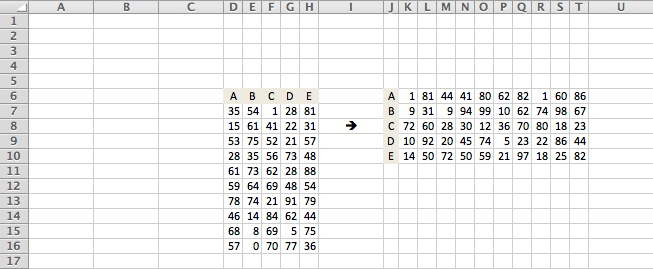
Well in fact, it’s quite easy to do:
- Select your Excel data ;
- Use the
Editmenu, select theCopycommand ; - Insert a new sheet in your spreadsheet ;
- Select the
A1cell and, in theEditmenu, select thePaste Special...command ; - Check the
Transposeoption and clickOK.
Tada!!!
Note that you may transpose the data in the same sheet in you wish to.